
Miss a call? Handled Calls automatically answers after 3 rings and gathers the details to deliver a clean summary to you.
Captures name, address, issue, and urgency
Saves every conversation in one place
Books jobs based on your calendar
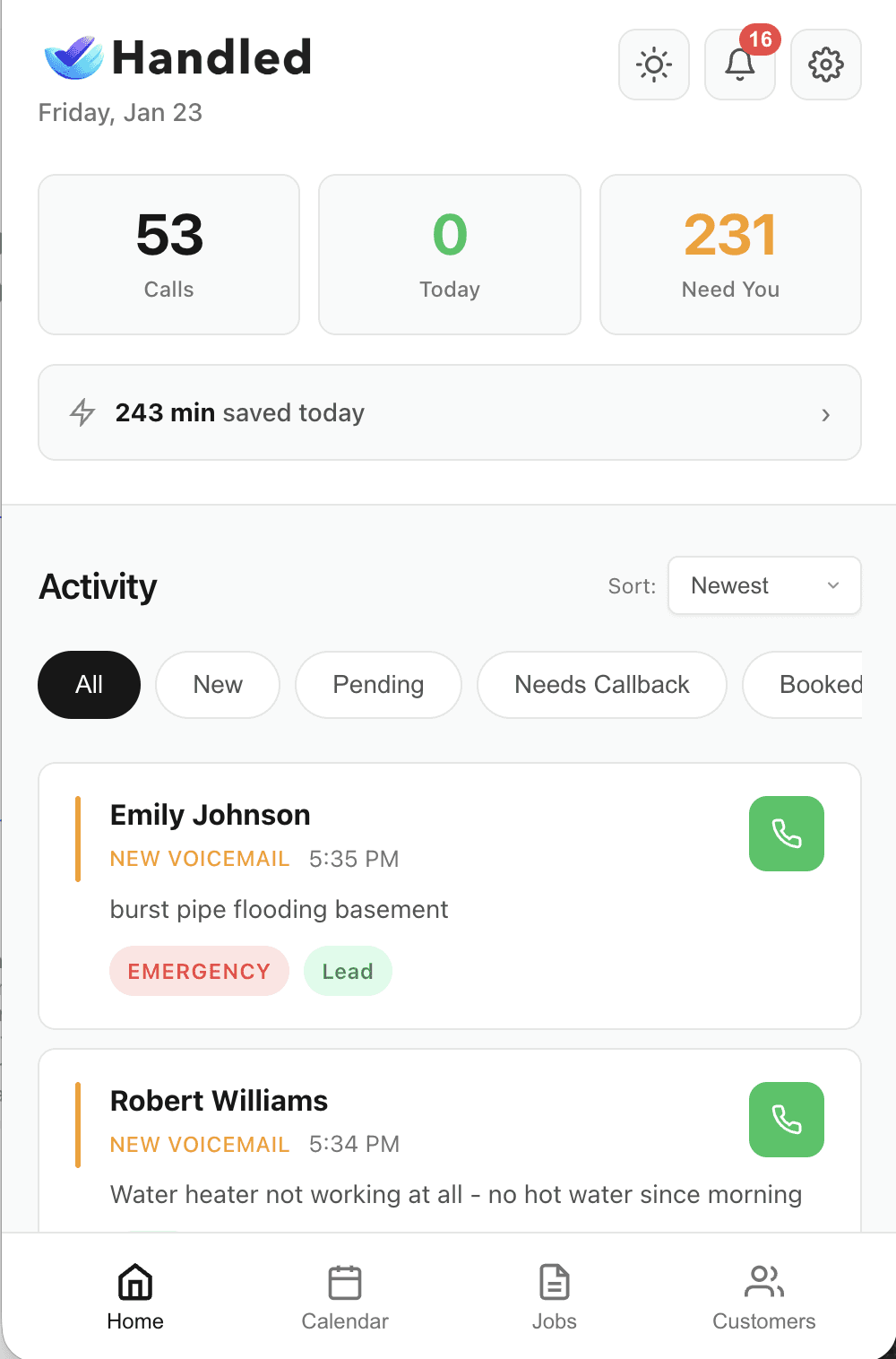
Most leads don't reply the first time. Handled Calls keeps your leads organized so your team can call them back quickly and easily.
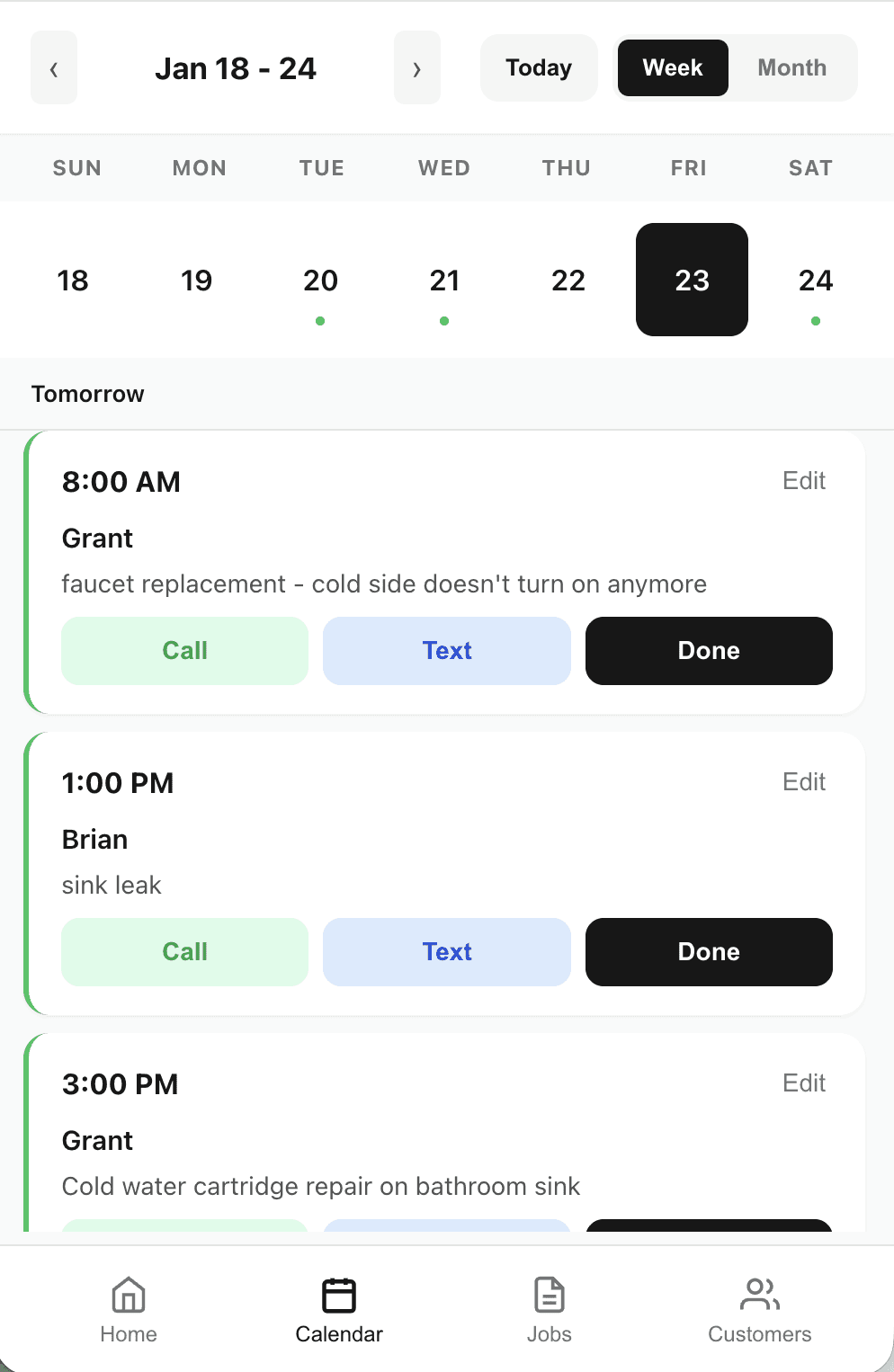
Notifies you when a customer chats with Handled Calls
Organizes leads based on urgency, job size, and quality
Provides a simple summary and recommend action
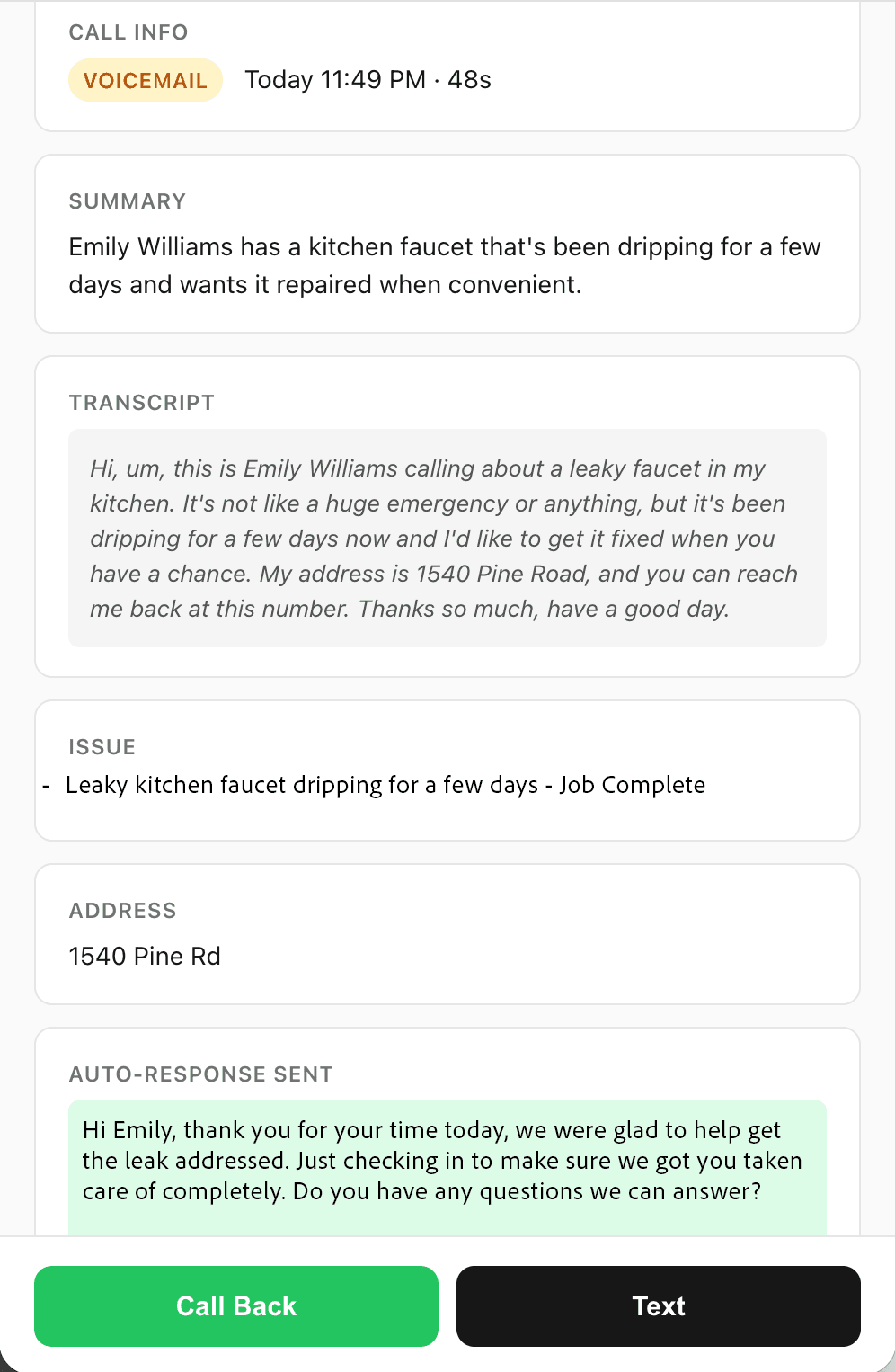
Build reviews and more interest. Handled Calls makes a quick satisfaction check when a job is done, then requests a review.
Confirms satisfaction when a job is completed
Requests a review from happy customers
Flags unhappy customers to help resolve problems quickly
We help capture the leads you've worked hard to get. With Handled Calls, calls turn into conversations with a simple summary for you and a prioritized follow-up list for your team to call back.
- Helps to prevent missed calls and missed jobs with immediate call answering after 3 rings
- Keeps leads organized and prioritized so you can easily call them back.
- Requests reviews from satisfied customers to help build your reputation.
Our mission is simple: we help you capture every customer call and build positive reviews that grow your business.
Step 1. You receive a call; after 3 rings Handled Calls answers and starts the conversation.
Step 2. We collect details including the customer’s name, address, job, and urgency, suggesting available booking times.
Step 3. You see a organized call list, short summary, appointment time, and any suggested actions.
Step 4. When a job is complete, we confirm customer satisfaction and send a review request.
Will customers know it’s AI?
Handled is designed to sound natural and professional. If a customer asks, it explains that it is an AI assistant and provides the option for an owner callback. The goal is simple: get the details, book the job, and hand you a clean summary.
Can I control what it says?
Yes. You customize your message templates and business details. You can also review key actions in the app before they’re sent (like scheduling), and adjust it to respond how you like.
What about spam calls?
Handled flags likely spam so it doesn’t distract you. One tap to archive and move on.